



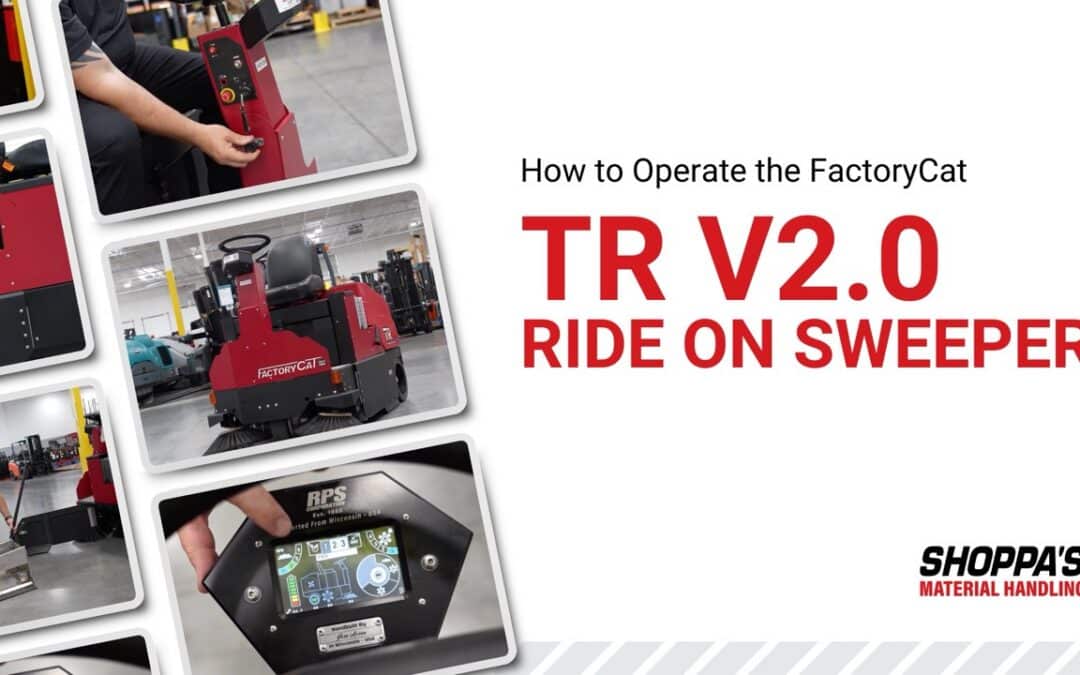
Safely operating and maintaining your floor cleaning equipment is essential for ensuring optimal performance. This step-by-step guide walks you through using your FactoryCat Ride-On Sweeper, emptying the hopper, and charging the machine.
Mounting the FactoryCat Sweeper Safely
Before getting on the sweeper, always use the three points of contact method:
- Keep one hand on the steering wheel
- Place one hand on the seat
- Maintain one foot on the machine
This helps prevent slips and falls during mounting and dismounting.
Once seated, adjust your position so you have full control and comfortable access to all controls.
Understanding the FactoryCat’s Operator Controls
The side control panel on the FactoryCat TR Ride-On Floor Sweeper contains the main operating controls:
- Key Switch – Turns the machine on and off
- Horn Button – Alerts others nearby
- Forward/Reverse Switch – Controls driving direction
- Emergency Stop (E-stop) – Immediately shuts down the machine
Take a moment to familiarize yourself with these controls before operating.
Starting and Driving the Sweeper
To start operating the FactoryCat Sweeper:
- Turn the key switch to the ON position
- Wait for the touchscreen to power up
- Tap the green check mark to enter transport mode
Driving Controls
- Ensure the forward/reverse switch is in the correct position
- Press the pedal to accelerate
- Release the pedal to brake (automatic electric braking system engages)
Using the Touchscreen Display
The FactoryCat Sweeper’s onboard touchscreen allows you to monitor and control machine settings:
Key Features
- Battery Gauge – Displays remaining charge
- Settings Button – Access presets and lockout options
- Presets (1, 2, 3) – Save custom cleaning configurations
- Shaker Button – Activates filter cleaning system
- Main Broom Pressure Settings – Adjust cleaning intensity
- Curb Broom RPM – Control side broom speed
One-Touch Operation Mode
The operational button cycles through modes:
- First press: Activates main broom, curb broom, and vacuum
- Second press: Activates main broom only
- Third press: Returns to transport mode
Emptying the Hopper
To ensure optimal performance, empty the hopper regularly:
- Press the shaker button to shake dust from the filter into the hopper
- Locate and open the side hatch
- Carefully pull out the hopper
- Dispose of debris in an appropriate waste container
- Reinsert the hopper securely
- Close the side hatch before resuming operation
Charging the Machine
When the battery is low, follow these steps:
- Lift the operator seat forward
- Unlatch both sides of the rear panel
- Open the back cover to access the battery compartment
- Remove the charging cable
- Plug it into a suitable power source
Charging Indicators
- Flashing light = Charging in progress
- Solid green light = Fully charged
⚠️ Important: Never operate the machine while charging.
Key Safety and Maintenance Tips
- Always use proper mounting techniques
- Empty the hopper frequently to maintain efficiency
- Monitor battery levels to avoid interruptions
- Perform regular visual checks before use
Proper operation and routine maintenance are key to getting the most out of your FactoryCat TR Ride-On Floor Sweeper. Following these best practices helps you extend the life of your equipment and maintain peak performance.
For expert guidance and access to the best equipment brands and support, Shoppa’s is your trusted partner for floor cleaning solutions.